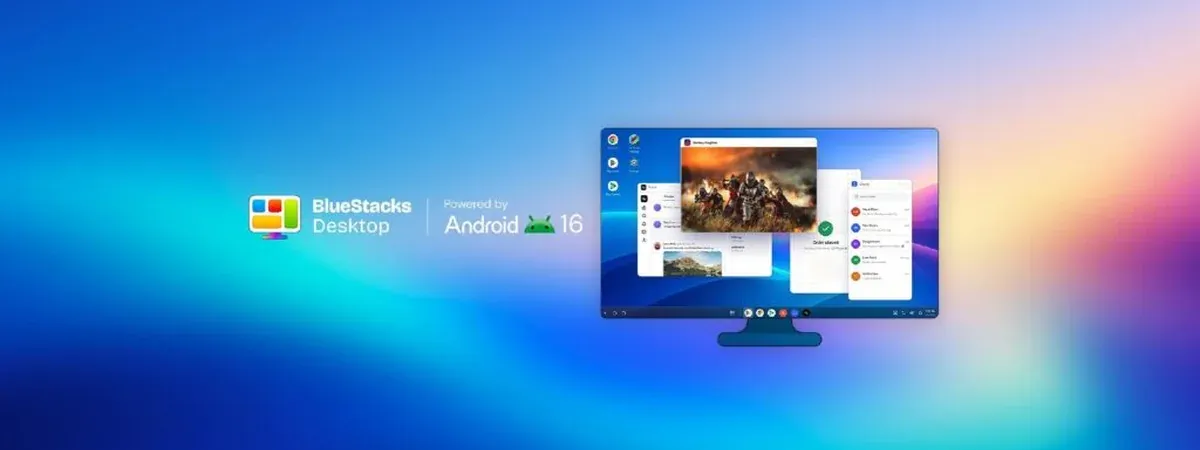
BlueStacks Desktop: A Free Android 16 Desktop for Windows, Built for People and AI Agents
BlueStacks Desktop emerges as a revolutionary platform, presenting a free Android 16 desktop experience for Windows users. Announced on October 22, 2026, this innovative software redefines how Android applications are utilized on a PC, treating Android not just as a game launcher, but as a fully-fledged operating system.
Transforming Android Interaction
Unlike traditional Android emulators that confine users to a single phone screen within a window, BlueStacks Desktop allows users to run multiple Android applications simultaneously in resizable, independent windows. This flexibility transforms the user experience, enabling seamless multitasking akin to utilizing desktop software. Users can open a browser, access files, and run Android apps side by side, enhancing productivity significantly.
Key Features of BlueStacks Desktop
- Real Desktop Windows: Open several Android apps concurrently, adjust their sizes, and arrange them as needed.
- Split Screen Functionality: Easily position two apps side by side with a simple drag-and-drop mechanism.
- AI Agent Compatibility: Designed to work optimally with AI agents like Claude and Codex, allowing these agents to navigate and use apps effectively.
- Google Play Integration: Users can install familiar Android applications directly from Google Play, streamlining the onboarding process.
- Local Operation: The software runs locally on the user's device, negating the need for cloud services or additional hardware.
Emphasizing AI Integration
One of the standout features of BlueStacks Desktop is its focus on AI agent functionality. By providing a platform that allows agents to interact with Android apps, users can automate various tasks. For instance, a personal assistant could read updates from a school app, add them to a calendar, and respond in a messaging app—all while maintaining visibility on the desktop. This integration opens new avenues for productivity, especially for developers and business teams who rely on Android-specific applications.
System Requirements and Availability
To install BlueStacks Desktop, users need a Windows PC with a minimum of 12 GB of RAM. This requirement ensures that the multitasking capabilities function smoothly. While currently available only for Windows, a Mac version is expected to be released soon, broadening accessibility for users across different platforms.
Comparative Analysis with Other Platforms
BlueStacks Desktop stands out in a crowded field of Android emulators. Its combination of the latest Android 16 version, true multitasking capabilities, and AI agent support places it ahead of other alternatives like Genymotion and Samsung DeX. Each of these platforms offers different features, but BlueStacks Desktop's unique approach to multitasking and AI integration is particularly noteworthy.
Conclusion
BlueStacks Desktop is not merely another Android emulator; it is a comprehensive solution that caters to both human users and AI agents. By facilitating the simultaneous use of multiple applications in a desktop-like environment, it opens up new possibilities for productivity and efficiency. BlueStacks Desktop requires a Windows PC with a minimum of 12 GB of RAM to ensure smooth multitasking capabilities.